How to Cancel Your Subscription
Step-by-step guide to cancel your JazzPianoLab subscription
Important: Canceling your active subscription will affect future payments only and does not initiate a refund.
Please read our No Refund Policy for more information.
Please read our No Refund Policy for more information.
Canceling Your JazzPianoLab Subscription
- Find your subscription confirmation email.
The subject will be similar to "Your subscription to JazzPianoLab". - Scroll to the bottom of the email.
Look for the text: "To cancel your subscription, please click here." and click the link.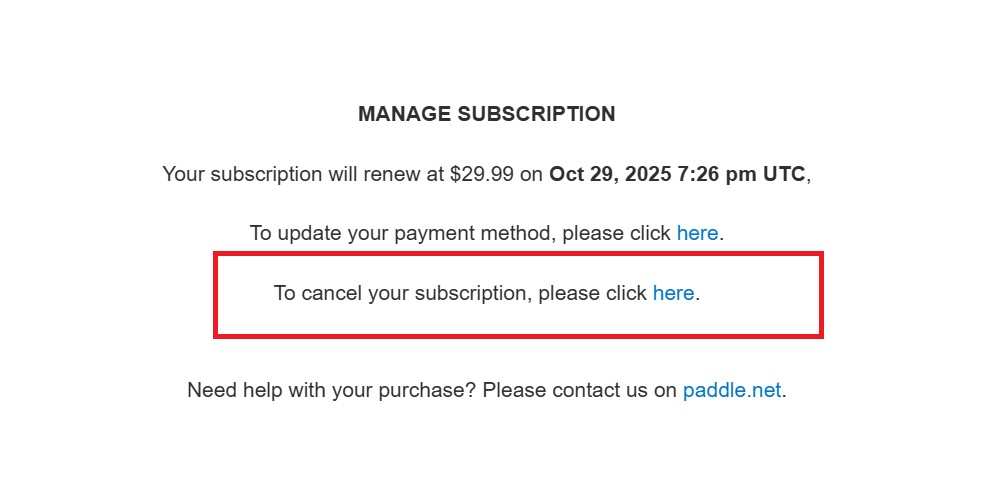
- You will be forwarded to the Paddle client portal.
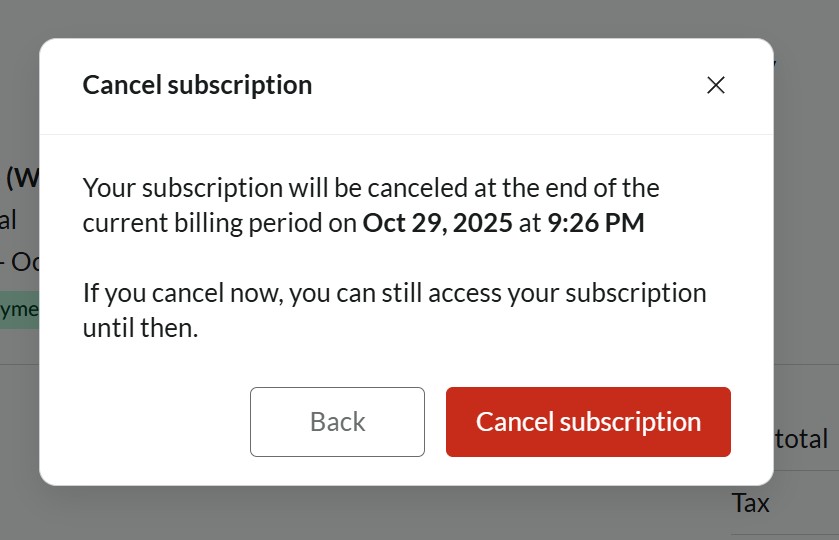
- If you already have access, you’ll be automatically logged in and see a dialog window asking if you’re sure you want to cancel.
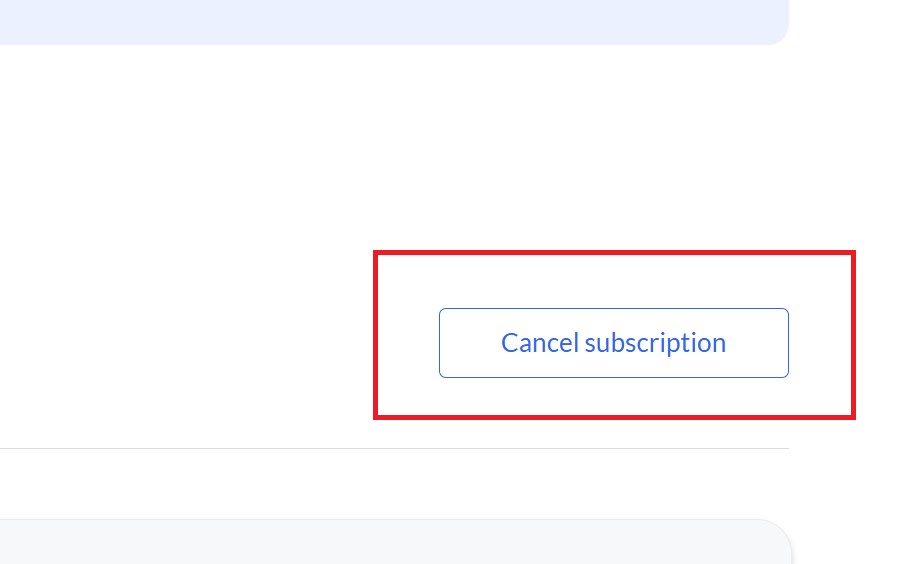
- If you still want to cancel, click the red Cancel button or the Cancel button in the top right corner.
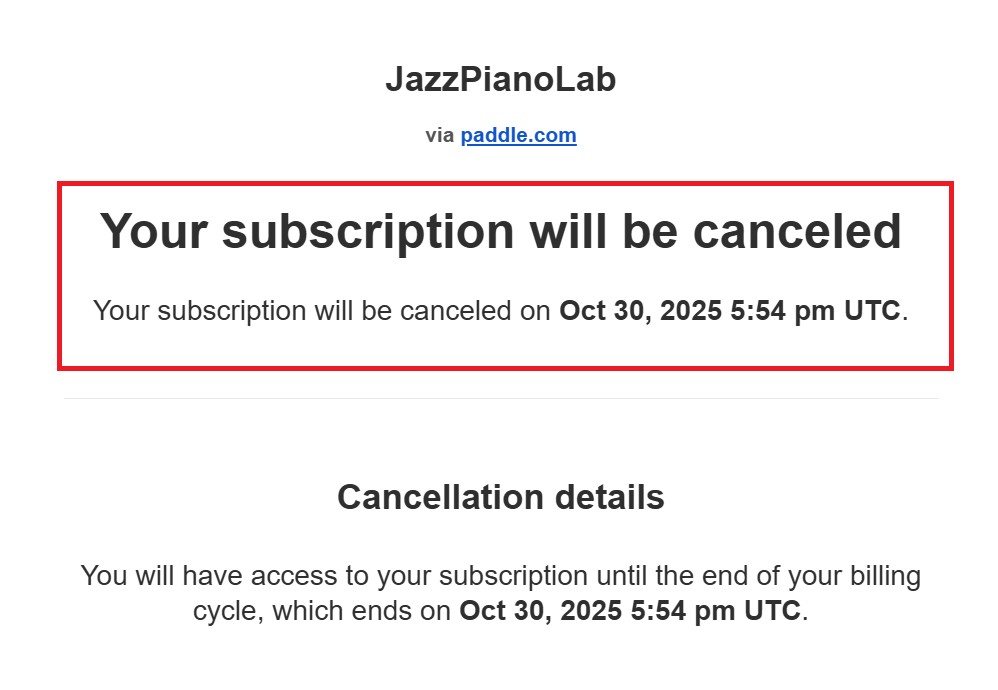
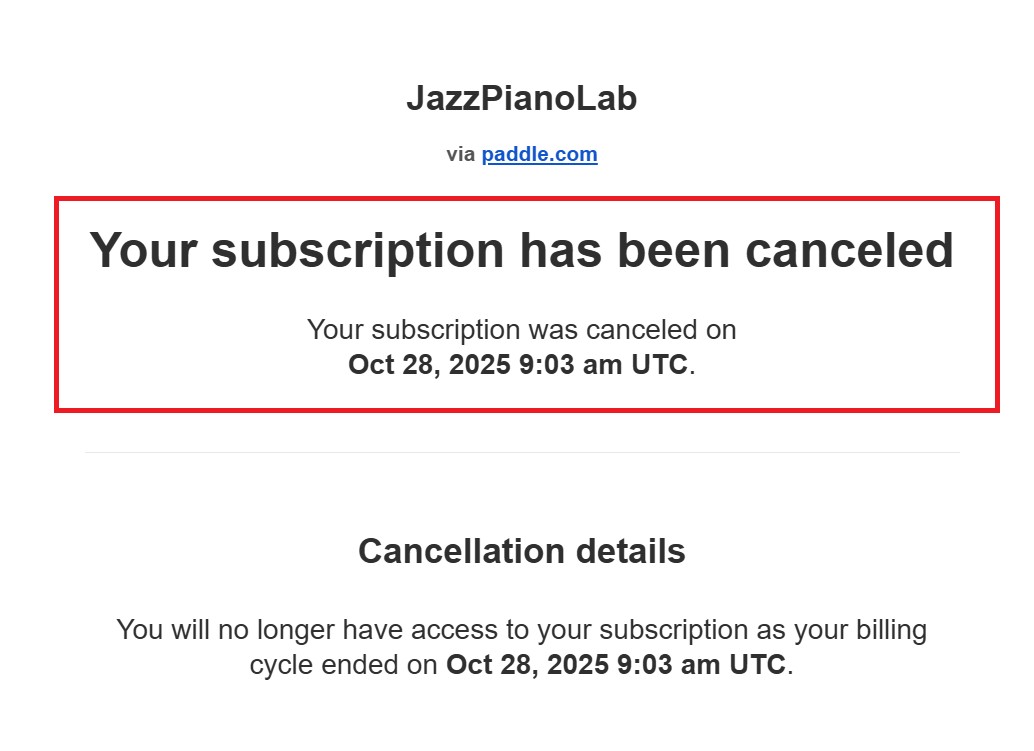
- Your subscription will be scheduled for cancellation and you’ll receive a confirmation email.
- Once your subscription is canceled, you’ll get a separate email confirming the cancellation.
- If you do not have previous access to the client portal:
- Click the cancellation link in your email to open the portal.
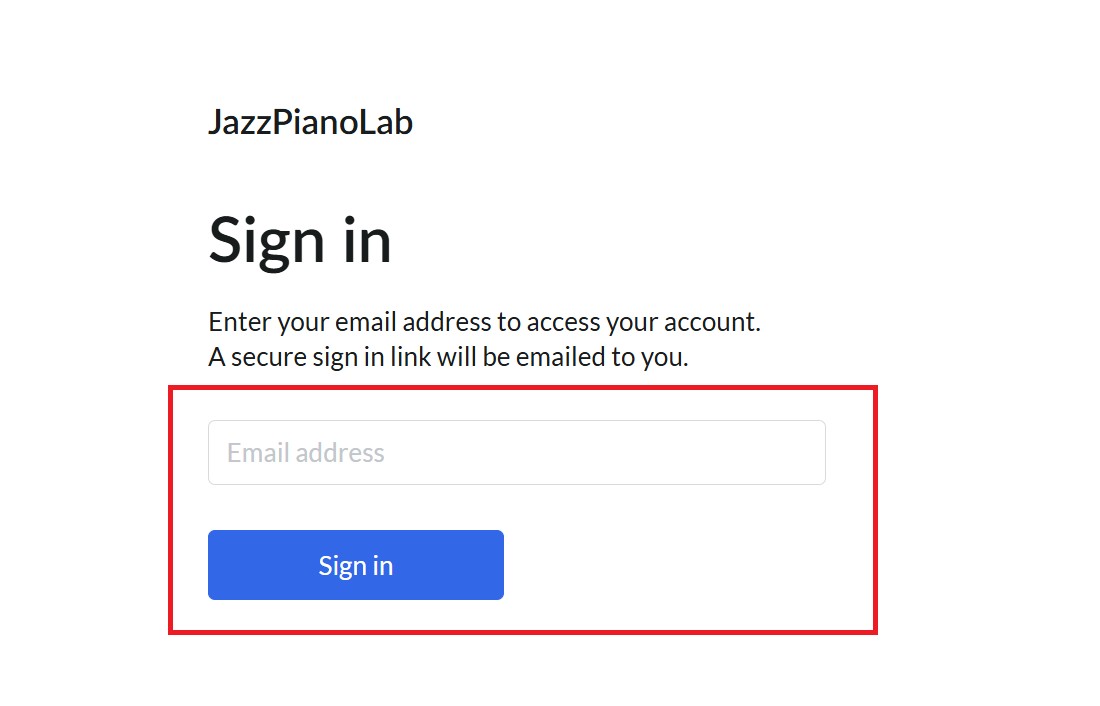
- Confirm your email address.
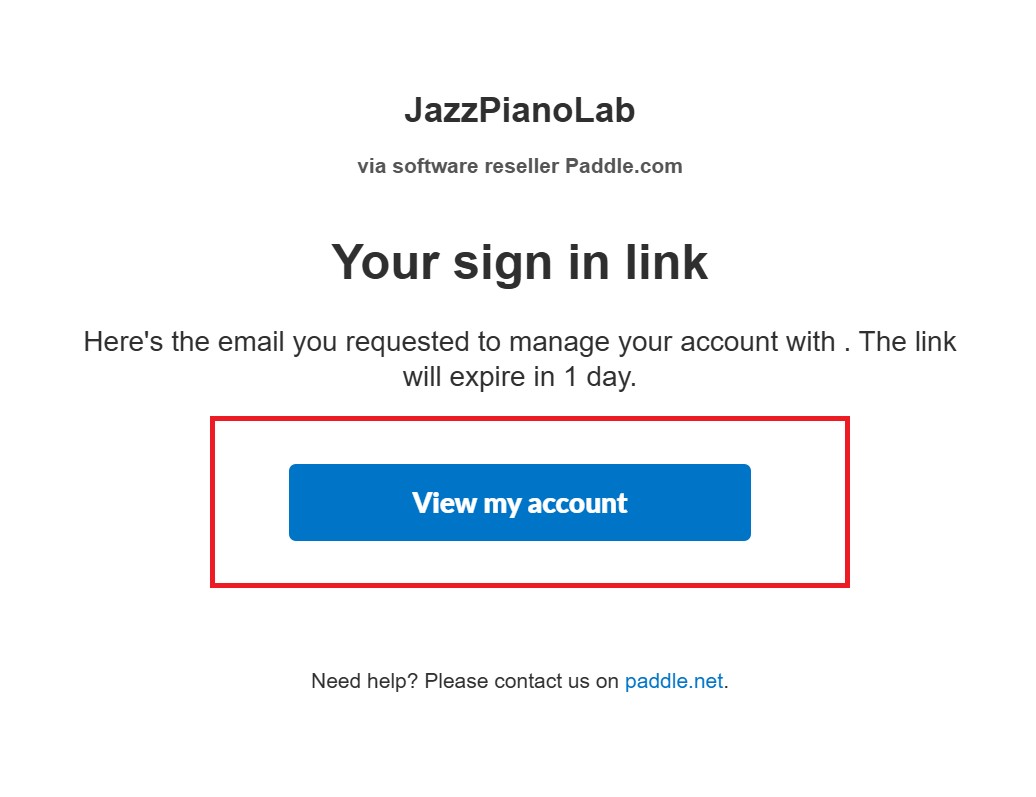
- You’ll receive a sign-in link to the portal in your email.
- Once signed in, you can cancel your subscription as described above.
If you need further assistance, please visit our FAQ or submit a support ticket from your dashboard.
Strict No-Refund Policy
Important: Because we offer a fully functional 7-day free trial with no upfront commitment, all subscription and lifetime purchases are final and non-refundable. We highly encourage you to utilize the free trial period to ensure the application meets your needs and runs perfectly on your hardware setup before completing a purchase.
Read our full No Refund Policy